








A QR code hides the web address it points to. You cannot read the link by looking at the square. That makes a sign, a flyer, or a package label an easy place to tuck a bad link. The Federal Trade Commission has warned about this more than once. A short pause before you scan costs you a few seconds.
Six questions to ask before and after a scan
These are general cautions, not steps quoted from the FTC. The first three apply before you scan.
- Ask why the code is there. Did you expect it, and does it come from a source you recognize?
- Check where it is posted. A code on a public sign or fixture may not have been put there by the business it seems to represent.
- Look at what the page asks for. Be wary of any page that wants sensitive details right after an unexpected scan.
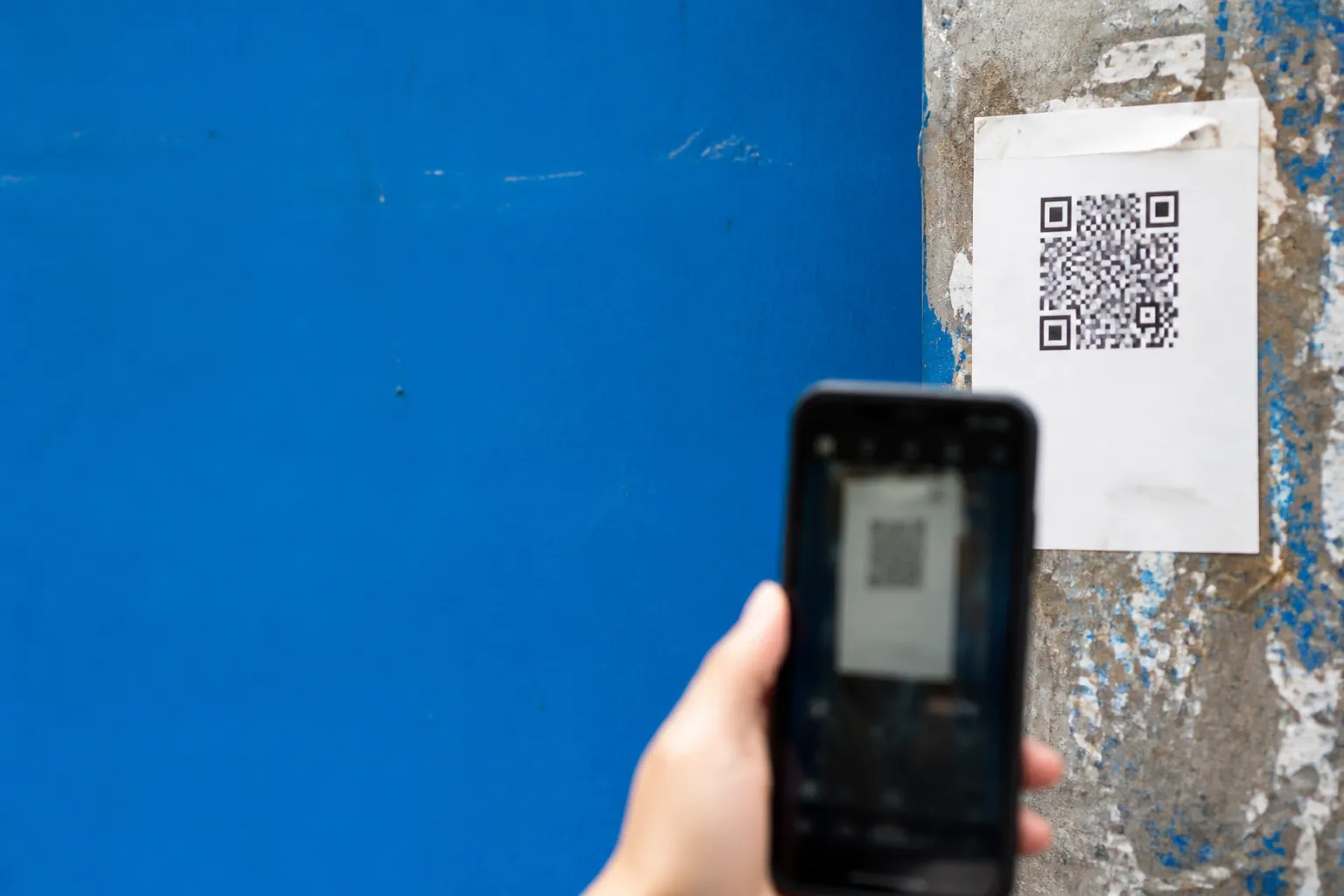
- If you have not scanned it, wait. Find the business or service another way, through a source you already trust.
- If you scanned it, do not type anything just because the page opened. Close the page if you do not trust it.
- If you shared account details, contact the organization directly. Use a phone number or website you find on your own, not one shown on the suspicious page.
How hidden links work
A QR code is an image that a phone camera reads to open a web address. The address is not obvious from the printed pattern. In a December 2023 consumer alert, "Scammers hide harmful links in QR codes to steal your information," the FTC says scammers conceal harmful links in QR codes to steal personal information.
The danger sits in the destination. The square itself does nothing. A page reached through a code can look like it belongs to the place where you found the code. Looks prove little. A convincing logo does not tell you who placed the code or who runs the site.
That is why a QR code deserves the same care as an unfamiliar link in a text or email. A scan moves fast, from camera to web page in a second or two. The pause is your chance to ask whether you meant to go there at all.
Codes posted in public places
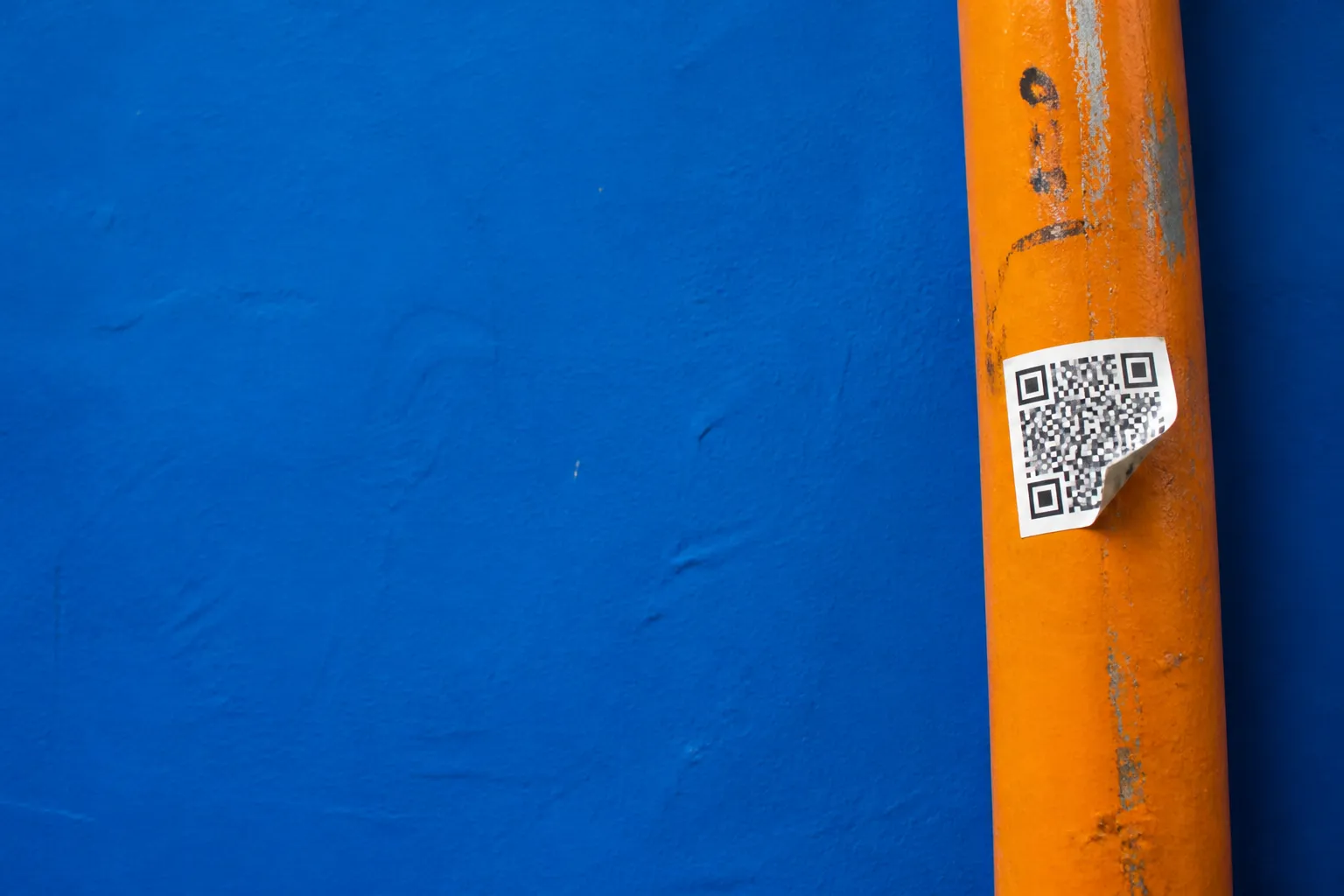
A September 2026 FTC alert, "See a QR code parked somewhere? Don't scan it…yet!" urges caution with codes found in public. Think of a sticker on a pole, a sign, or a shared fixture. The organization named nearby may not be the one that put the code there.
The sources reviewed for this article carried only the alert's headline, so they do not describe how the FTC suggests checking a code. We will not guess at a method. What the headline does support is a plain distinction. Finding a code where you might expect one is not the same as knowing where it leads.
Context can help you decide to wait. Did you plan to use this code? Does the request match what you came to do? If a posted code seems out of place, look up the organization's official contact information on your own and skip the scan. That does not prove the code is fraudulent. It just avoids treating an unknown destination as a trusted one.
Unexpected packages and brushing scams
An August 2026 FTC alert is titled "That unexpected package you got could be a brushing scam." It ties unrequested deliveries to a scam called brushing. Our source for it was the headline alone. We cannot tell you how brushing works or what the FTC advises a recipient to do.
So treat the headline as a reason for care, not proof that every surprise box is part of a scheme. If a package contains a QR code, the fact that it arrived with a physical item does not make the code safe. Ask the same questions as before. Who placed this code, and where does its link go?
For the full explanation of brushing, read the FTC alert itself. It is the right place for current details on that scam.
If you already scanned a code
None of the three alerts, as we could see them, lay out steps to take after a scan. What follows is general caution, not FTC instruction. Do not enter a password, card number, or other personal information on a page you reached through a code you did not expect. If the page feels wrong, close it.
If you already entered account details, contact the organization tied to that account. Use a phone number or website you find independently. Contact details on the page you doubt are the ones least worth trusting. The right next move can depend on what you shared.
A scan alone does not show that information was stolen or that a scam took place. The sources give no loss figures, no reporting channel, and no account-protection advice. For current reporting and recovery guidance, go to the FTC's consumer advice pages directly.
Please seek a professional. This article is general information, not financial, tax or insurance advice. Please seek a licensed financial, tax or insurance professional about your own situation.