







A check can move from your kitchen table to a bank’s app in a few minutes. That does not mean the money is ready to spend. Mobile check deposit replaces a trip to a branch or ATM with photos of a check, but the app’s instructions, deposit limits and timing rules still matter. The useful distinction is between sending a deposit, seeing that it is processing and having funds available.
How a mobile check deposit works
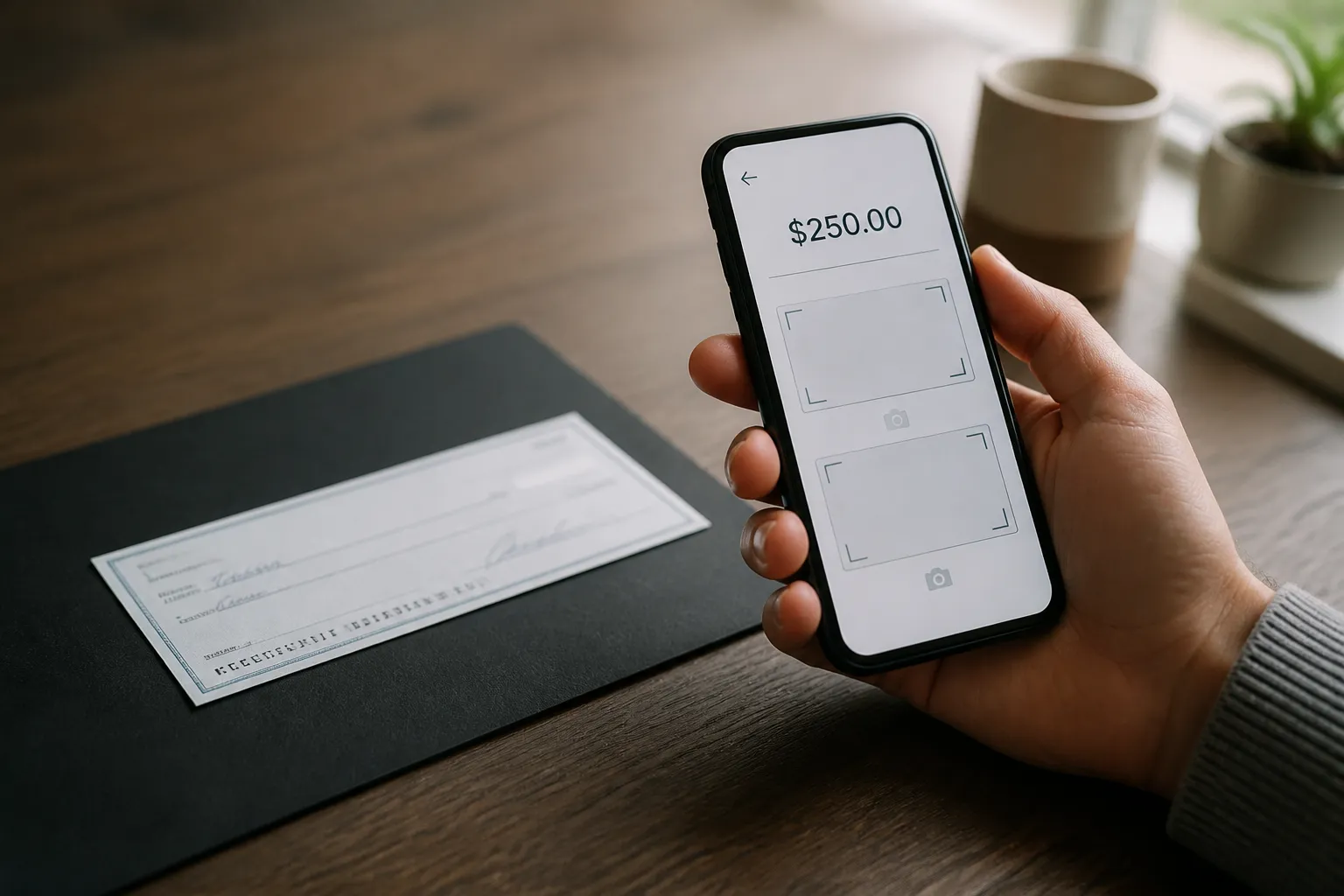
First, sign in to your bank’s mobile app. You generally use the same credentials as you do for its website. Look for an option such as “Mobile deposit” or “Deposit checks.” The screens differ by institution, but the basic sequence is familiar: enter the check amount, photograph the front, then photograph the back. A dark, solid background can make the check easier to capture clearly.
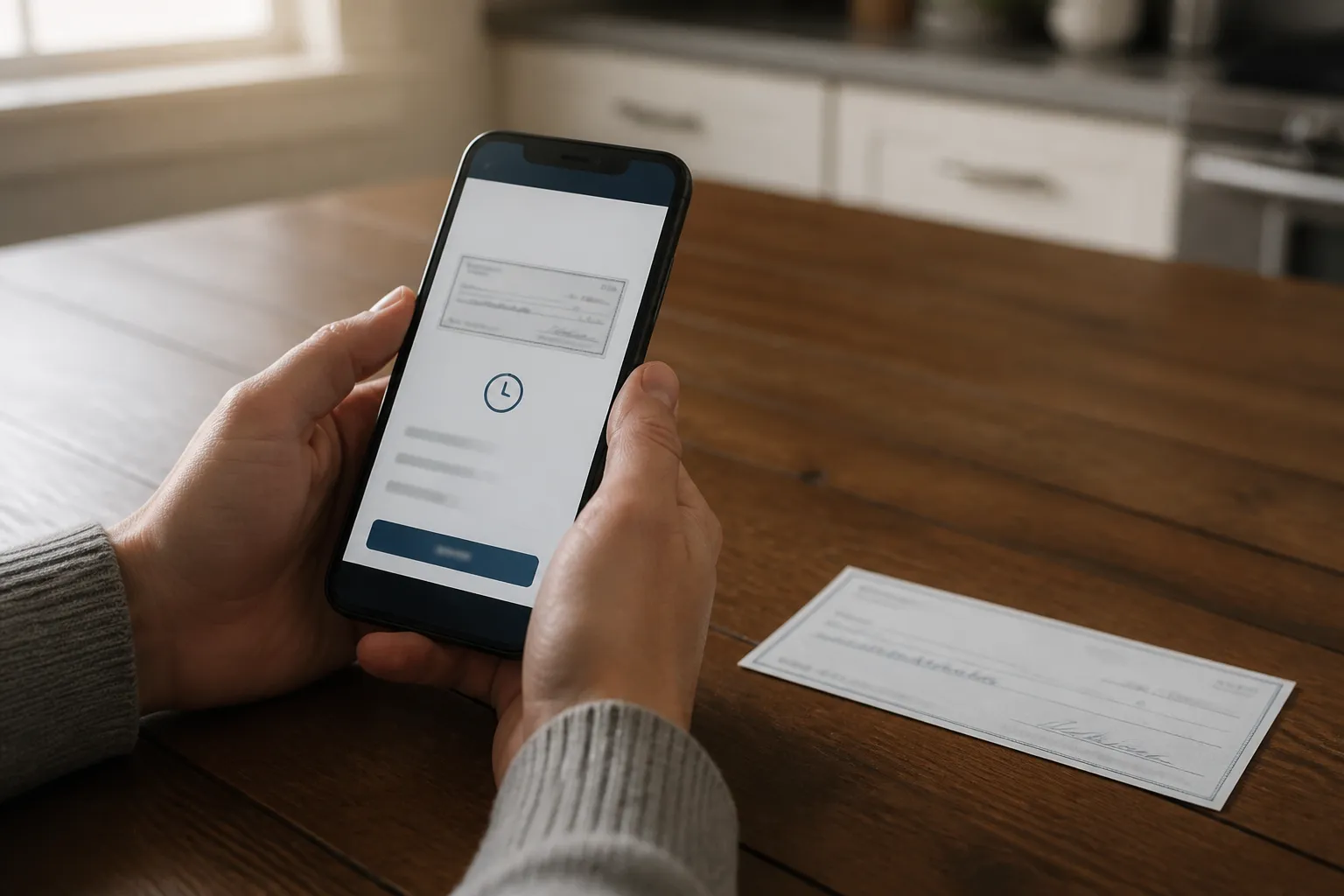
Follow the prompts rather than guessing how to prepare the check. An app may require particular wording when you endorse the back, and it may ask you to retake a photo that is hard to read. After you submit the images, the app may confirm that the deposit is processing. Processing is a status, not a promise that the money is available. Check the deposit status and your account’s available balance separately.
Check access and instructions before you start
Mobile deposit depends on access to online or mobile banking. You need an eligible account and an internet-connected smartphone. If you have not enrolled in online access, allow time to set it up before you count on depositing a check by phone. The Consumer Financial Protection Bureau’s beginner guide notes that account numbers used for enrollment appear on paper statements and at the bottom of checks or deposit slips.
Next, read your institution’s mobile-deposit instructions. Check how it wants the back of the check endorsed, how to position the check for each photo and what confirmation you should expect after submission. These are account-specific details. A clear photo taken under one institution’s rules may not meet another institution’s requirements. If you are working against a deadline, confirm that your account can use the feature before the deadline arrives.
Use the right app and watch the deposit status
Start at your bank’s official website to find its app download link. An app reached through an email or text link could be fraudulent. The CFPB also advises against using links in messages to reach a bank’s website. If you need the web address, look for it on a paper statement or the back of your card.
Once you submit a check, pay attention to what the app actually says. “Received,” “processing” and “available” describe different points in a deposit’s progress. An on-screen confirmation can tell you that the images were sent for processing; it does not, by itself, settle when you can use the money. If the status is unclear, ask your institution where to find updates and what each status means.
Deposit limits and availability are separate questions
A deposit limit is a cap on what the institution lets you submit through mobile deposit. A hold concerns when deposited funds become available. Those terms answer different questions: “Can I send this check through the app?” and “When can I use the money?” Neither answer follows from the fact that the app accepted a photo.
The sources used for this article do not establish a standard mobile-deposit limit, hold period or clearing time. Those details can depend on the institution and account. Look in your institution’s mobile-deposit terms and funds-availability disclosures for the rules that apply to you. If you need to plan around a particular check, ask what limit applies and when its funds may become available rather than relying on the submission confirmation.
Know what the app instructions do not answer
The steps for taking photos do not explain every problem that can follow. The sources reviewed here do not establish what happens if a deposit is rejected, what mobile-deposit fees an institution might charge, or how long to keep a paper check after submitting it. Check your institution’s instructions for those points, including what to do with the original check. Do not assume that submission means it is time to discard it.
Mobile deposit is convenient because it lets you send check images without a trip to a branch or ATM. Its limits are less visible than its camera prompts. Before treating the deposit as complete, read the account terms, check the status and distinguish the amount you submitted from the amount available to spend.
Please seek a professional. This article is general information, not financial, tax or insurance advice. Please seek a licensed financial, tax or insurance professional about your own situation.